
Secure Email and Hosting for Accountants and CA Firms
Accountants and CA firms handle financial documents by email every day, which makes their inboxes a target. This guide covers secure email for accountants, a credible firm website, backups and the habits that keep client data safe.
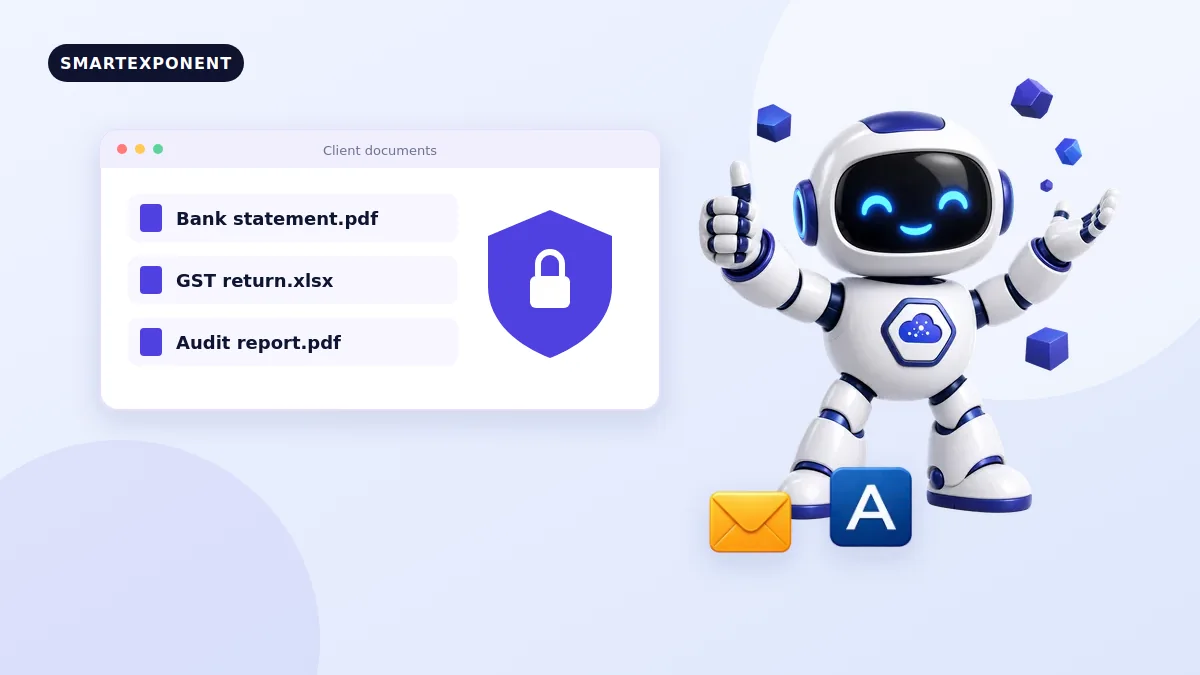
Accounting work runs on email. Clients send bank statements, invoices and identity documents; firms send returns, reports and notices. That makes an accountant’s inbox one of the most valuable targets for fraudsters, and a single compromised mailbox can expose many clients at once.
This guide sets out secure email for accountants and CA firms, a credible firm website, and the backup and access habits that protect client data. It is written for sole practitioners and growing firms alike.
Why accounting firms are targeted
- Valuable documents. Statements, PAN and identity documents and financial data are useful to fraudsters.
- Payment requests. Fake “change of bank details” emails trick clients and staff into paying the wrong account.
- Busy deadlines. During filing season, rushed staff are more likely to open a malicious attachment.
- Shared logins. A password shared across a team cannot be traced or safely revoked.
Step 1: A professional domain and email address
Client communication should come from your firm’s own domain, such as name@yourfirm.in, never from a personal free webmail address. A firm address looks credible, keeps the client relationship with the firm when staff move on, and lets you publish the records that help receiving servers reject forged mail in your name.
Set up SPF, DKIM and DMARC for the domain. Our guide to business email explains each record and why it matters.
Step 2: Lock down every mailbox
- Give every partner and staff member their own mailbox; never share one login.
- Turn on two-step verification for every account.
- Use role addresses such as accounts@ or gst@ that forward to the right people, so clients always have a working address.
- Remove access the day someone leaves, and keep their mail with the firm.
- Review who has access to shared mailboxes every quarter.
Step 3: Handle documents carefully
Email is convenient for documents but it is not a filing cabinet. Ask clients to send sensitive files only when needed, store them in your practice records rather than leaving them in inboxes, and delete attachments you no longer need. Password-protect files you send, and share the password by a different channel.
Be careful with messaging apps too. Documents shared in personal chats end up on staff phones the firm does not control, and they are hard to delete when someone leaves. Agree with clients which channel to use for documents, and keep the firm’s copy in one controlled place.
Step 4: A credible firm website
| Page | What it should contain |
|---|---|
| Home | Who you serve, your core services and how to contact the firm |
| Services | Audit, tax, GST, company law or advisory work, described factually |
| Team | Partners and qualifications as your professional body allows them to be shown |
| Resources | Due-date calendars and checklists you keep current |
| Contact | Office address, phone and an enquiry form that asks for no financial documents |
Check your professional body’s guidance on advertising before publishing; it may limit how services and achievements can be described.
Secure the site
An SSL certificate encrypts the enquiry form and avoids browser warnings. Keep the website software and plugins updated, use strong admin passwords, and do not use the website to collect client documents unless it is built for that purpose. Read more about website security.
Step 5: Back up, and test the backup
A backup you have never restored is a hope, not a plan. Keep copies of your website and important records in more than one place, and test restoring them a few times a year. Our guide to website backups explains how often to back up and what to keep.
Our recommendation
Use professional email on your firm’s domain with two-step verification for every person, publish SPF, DKIM and DMARC, keep a simple and secure website with an SSL certificate, and back up regularly. The options below come from our current catalogue.
Business email for your firm
 Available to order
Business Plus - Global
From ₹2,692.00 / month
View plansAvailable to orderBusiness Standard - Global
From ₹1,708.08 / month
View plansAvailable to orderBusiness Starter - Global
From ₹724.25 / month
View plansSSL certificates
 Available to order
EV SSL
From ₹899.96 / month
View plansAvailable to orderPremium SSL
From ₹341.13 / month
View plansBackup for your website and data
 Available to order
Website Backup Basic
From ₹149.21 / month
View plansAvailable to orderDeluxe
From ₹339.46 / month
View plansSee all email options, or contact us and we will help you set it up.
Related articles
How to Set Up Professional Business Email
An address at your own domain looks credible, reaches inboxes more reliably and keeps your communication under your control. This guide walks through choosing a service, setting it up and keeping it deliverable.

Hosting Guide for Developers and Web Agencies
Freelance developers and web agencies host many client sites with different needs. This guide compares shared hosting, reseller hosting and VPS for developers, and covers domains, environments, access and handover so client work stays manageable.